
Accessing Your Invoices & Receipts
This feature is specifically for online payments processed through Stripe. Whether you need a receipt for accounting, a missing invoice from a previous event, or a proof of payment for your records, you can now access everything in one place without needing to contact support.
What it does
The Stripe Customer Portal is a secure, hosted page where you can view and manage your billing history. Instead of searching through old emails or asking our team to resend a document, you can log in and get what you need instantly.
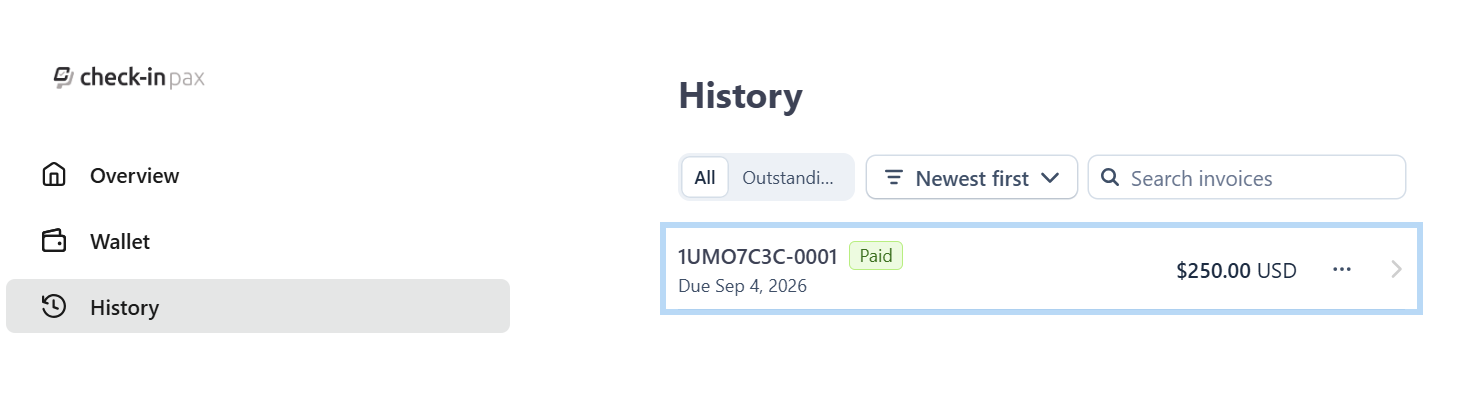
- View Invoice History: See a complete list of all your past transactions, organized by date. You can view the status (paid, pending, etc.), the amount charged, and the payment method used for each one.
- Download PDFs: Click on any invoice or receipt to open the details and download a PDF copy for your records or accounting purposes.
- Self-Service Convenience: Manage your billing information on your own schedule, directly from the app's Account section, without needing to email support or wait for a response.
How it works
Accessing your billing history is simple and takes just a few taps from the app's Account section.
- Open the App and navigate to the Account section in the left side bar menu.
- Look for the "Access Stripe Customer Portal" option and click on Download. This will open the Stripe Customer Portal in a new browser tab.
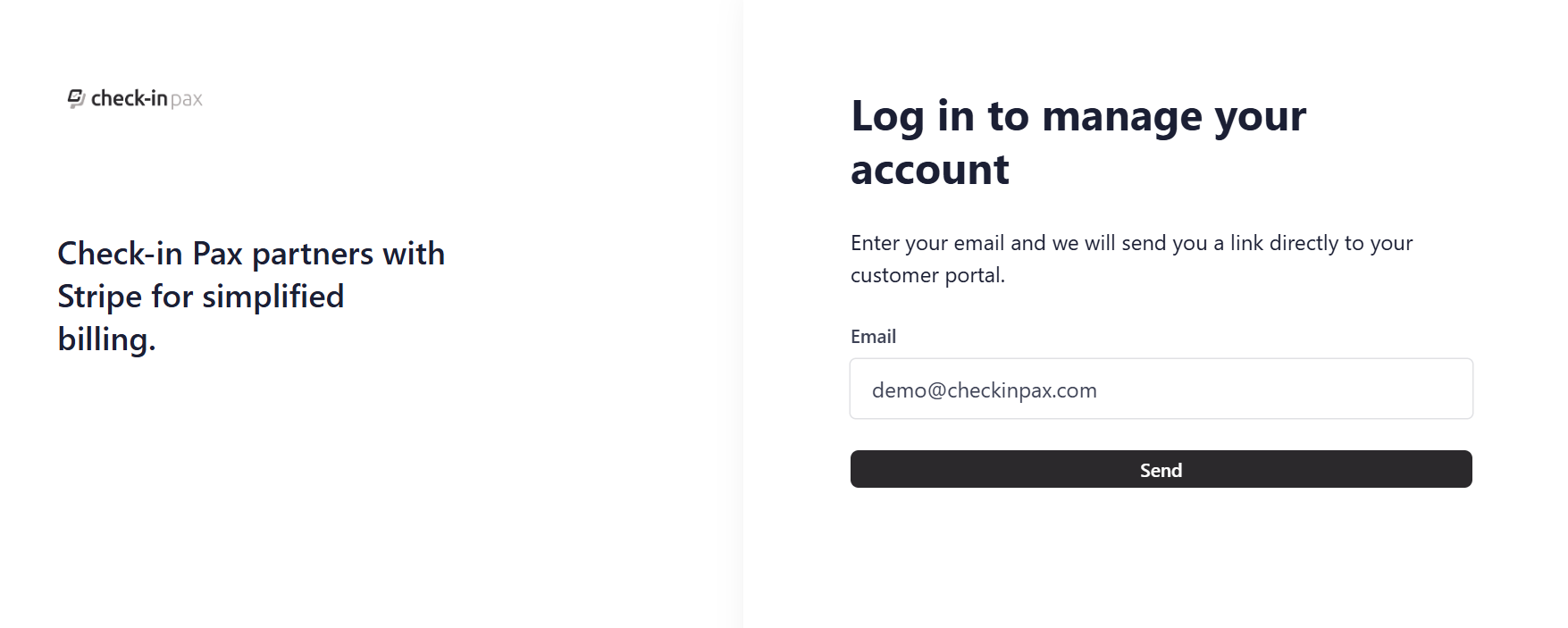
- Request an email link to log in.
- Inside the portal, find the "Billing history" or "Invoices" section.
- Click on any invoice to view its details, then click the "Download PDF" or "Download" button to save a copy.
The screenshot below is showing the Access Stripe Customer Portal section and the Download button

The screenshot below is showing the Stripe page to request the login link to be sent to your Check-in Pax Account Email Address.
Instant Access, No Waiting
You no longer need to contact our support team to resend a missing receipt. The portal is available 24/7, so you can download documents whenever you need them.
Complete Financial Record
Your entire payment history with us is stored in one place. This makes it easy to track expenses, reconcile accounts, and provide proof of payment for reimbursement or tax purposes.
Self-Service Simplicity
We designed this to be intuitive. You don't need technical knowledge or special permissions. Just a few clicks from your account settings, and you're in.
Important notes
- Online Payments Only: This portal provides access to documents for payments processed online via Stripe. It does not include records for bank transfers or custom quotations.
- Receipt and Invoice Link Expiration: For security reasons, direct links to individual receipts expire after 30 days. However, if you access a receipt link after it has expired, Stripe will send a new, valid link to the email address associated with the original transaction. If you are using the Customer Portal, you will not be affected by this expiration, as you can always log in and re-download the document directly.
Pro tips
- Bookmark the Portal: For even faster and frequent access, bookmark the Customer Portal URL.
- Check Email Receipts First: When you make a payment, Stripe sends an email receipt. The direct link in that email is quickest for immediate download. Use the portal for older or missing documents.